4.1 Accuracy: confident is not the same as correct
AI assistants produce answers in the same assured tone whether they are right or wrong. Three quick checks cover most situations:
- 1Source check. Ask where a claim comes from, then open the source yourself. If there is no source, the claim is unconfirmed.
- 2Second opinion. For anything important, compare with an official site: a government page, the manufacturer's manual, your bank's own help pages.
- 3Date check. Models have a training cut-off. Prices, laws, opening hours and software menus change; confirm anything time-sensitive.
4.2 What happens to what you type
When you use a cloud AI tool, your text, images or voice go to the provider's servers. Depending on the service and your settings, conversations may be kept, reviewed by staff for safety, or used to improve future models. Many tools let you limit this. ChatGPT, for example, has a data control to stop your chats being used for model training, and offers temporary chats. Business and education plans from the major providers often promise not to train on customer data by default. Spend five minutes in the settings of each tool you use; it is the single most valuable privacy step in this manual.
4.3 Your rights and the rules
If you live in the UK or EU, the GDPR gives you rights to access, correct and delete personal data a company holds about you. The UK Information Commissioner's Office (ICO) publishes plain-English guidance on these rights and on AI. The EU AI Act, which entered into force in August 2024 and applies in stages, adds obligations such as telling people when they are interacting with certain AI systems. In the United States, the NIST AI Risk Management Framework, published in January 2023, is a voluntary guide many organisations use. You do not need to read these documents, but it helps to know they exist when a company asks for more data than seems reasonable.
4.4 Protecting the accounts behind the tools
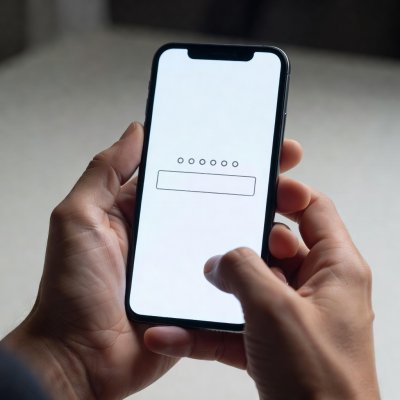
Your AI account is tied to an email address and often to payment details and chat history. Protect it like your email: a unique password stored in a password manager, plus two-step verification. You can check whether your email appeared in a known data breach at Have I Been Pwned, a free service run by security researcher Troy Hunt. If it has, change that password and any others you reused.
4.5 Children and AI
Most mainstream AI chat services set minimum ages in their terms, commonly 13 with parental consent for under-18s; check each service. Sit with younger children while they explore, explain that the tool can be wrong, and agree that personal details like school name and home address are never typed in.
4.6 The weekly habit checklist
- Delete chats and voice recordings you no longer need.
- Review which apps have microphone, camera and location access.
- Install pending updates on phone, laptop and smart speakers.
- Re-check one important fact you got from AI this week.
- Remove browser extensions you do not recognise.
- Tell a family member one thing you learned; safety spreads by conversation.

Chapter editor · reviewed February 2026