3.1 The three big assistants
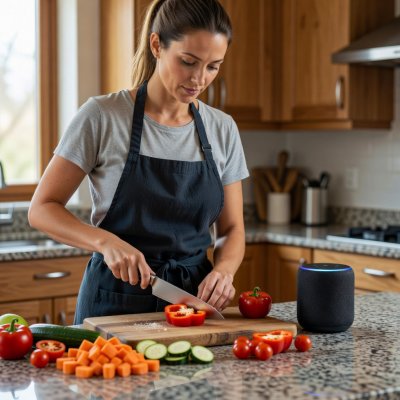
Most homes use one of three ecosystems: Amazon Alexa (Echo speakers and Echo Show displays), Google Assistant (Nest speakers and displays), or Apple's Siri (HomePod and iPhone). All three handle the basics well. The right choice usually depends on the phone you already own and the services you already pay for, not on which assistant is "smartest". Each company is also adding newer generative AI features, so expect assistants to become more conversational, and expect occasional confident errors to come with that.
3.2 Jobs they handle reliably
- Kitchen timers, unit conversions and "how many grams in a cup of flour".
- Shared shopping and to-do lists that sync to everyone's phone.
- Reminders for bins, medication times and appointments.
- Playing radio, podcasts and music hands-free.
- Routines: one phrase such as "good night" can switch off lights and set an alarm.
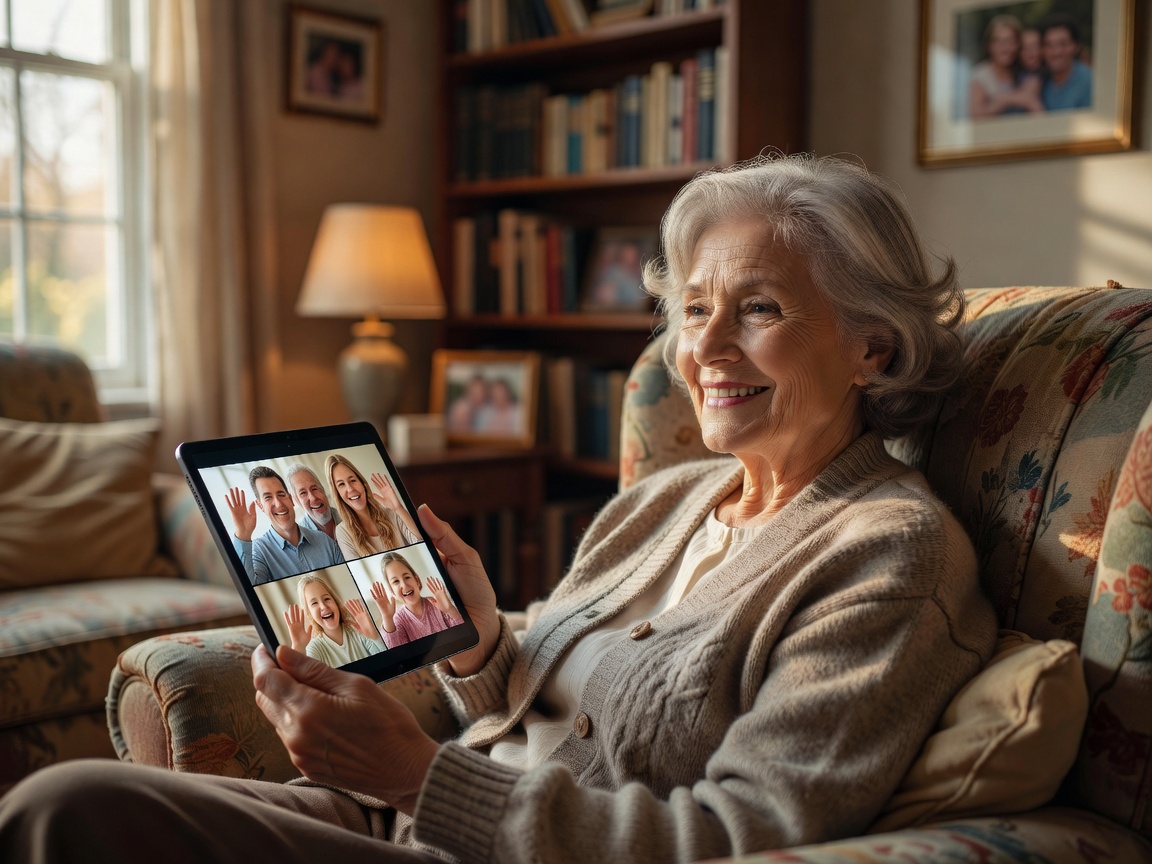
- Hands-free calling, which can be a lifeline for an older relative living alone.
3.3 Setting up a new speaker safely
- 1Update first. Install the companion app, connect the device and let it finish its firmware update before anything else.
- 2Lock purchases. Turn off voice purchasing or require a PIN, so a child or a TV advert cannot order anything.
- 3Set voice history. In the Alexa app's privacy settings or Google's My Activity, choose automatic deletion of recordings after a set period.
- 4Add guests carefully. Use guest mode or limited profiles for visitors and children.
- 5Know the mute. Every major speaker has a physical microphone mute. Show everyone in the house where it is.
3.4 Is it always listening?
Mainstream speakers listen locally for their wake word ("Alexa", "Hey Google", "Siri") and only send audio to the company's servers once they think they have heard it. False wake-ups do happen, which is why reviewing your history now and then is worthwhile. You have the right to see and delete this data; in the UK and EU, the GDPR gives you the right to request a copy of personal data a company holds about you.
3.5 Plugs, bulbs and the Matter standard
For years, smart plugs and bulbs only worked with one brand's app. Matter, a standard from the Connectivity Standards Alliance that launched in 2022 and is backed by Amazon, Apple, Google and Samsung, aims to let devices work across ecosystems. When buying new gear, the Matter logo on the box is a useful sign that you will not be locked in. Older devices may still need their own apps, so check before you buy.
Finally, put the router and the assistant accounts behind strong, unique passwords with two-step verification. A smart home is only as secure as the accounts that control it.

Chapter editor · reviewed February 2026